Expenses Introduction
The PEP Expense Hub is PerksPe's smart expense management system. It helps employees record, submit, and track business expenses — and get reimbursed faster.
What Can You Do?
📝
Add Expenses
Record any business expense with details.
📸
Attach Receipts
Upload photos or documents as proof.
💾
Save Drafts
Save incomplete entries to finish later.
✅
Submit for Approval
Send expenses to your manager for review.
Expense Workflow
D
DraftSaved but not submitted — only you can see it.
S
Submitted / PendingSent to approver — waiting for review by manager or finance admin.
A
ApprovedExpense accepted — reimbursement processing.
R
RejectedExpense declined — check comments for reason and resubmit.
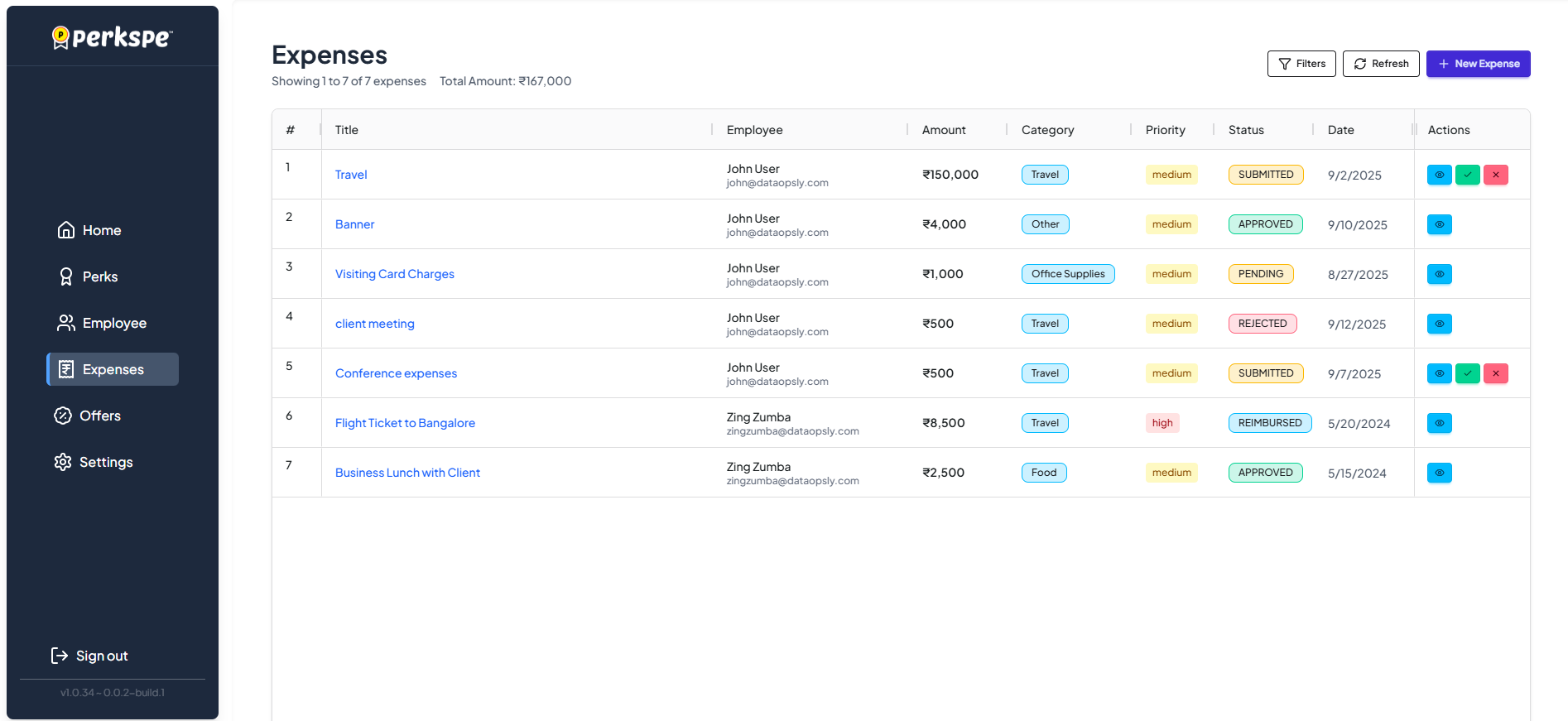
How to Access Expenses
From the left sidebar, click Expenses.
Why Use PEP Expense Hub?
⚡
Faster Reimbursements
Get paid within minutes of approval.
📱
No Paperwork
Digital receipts and automated mobile capture.
👁️
Real-time Tracking
Know exactly where your expense stands.
🛡️
Policy Compliance
Built-in checks prevent policy violations automatically.